> ## Documentation Index
> Fetch the complete documentation index at: https://epayclub.com/llms.txt
> Use this file to discover all available pages before exploring further.
# Authorization
> Securely authorize payment requests using your API keys.
EPayClub uses API keys in HTTP Authorization headers to authenticate requests. This ensures that only authorized applications can access and manage payment data.
To make a request, include the `api-key` header:
```json Example theme={null}
curl --request POST \
--url 'https://path/to/example/endpoint' \
--header 'api-key: {{YOUR_API_KEY}}' \
--header 'Content-Type: application/json' \
--data '
{
"sample_parameter": "sample_value"
}
'
```
The required API key depends on the type of operation you're performing.
## Types of API keys
EPayClub provides three types of API keys, each serving a specific security function:
1. **Public key** – Used for initiating transactions and other client-side requests.
2. **Private key** – Required for sensitive operations like verifying orders. Keep this key secure and use it only on the server side.
3. **Encryption key** – Helps encrypt highly sensitive data for added security.
### Public Key
This key is used in most API requests, including transaction initiations. It is designed for client-side operations or less sensitive actions.
```json Example theme={null}
PGW-PUBLICKEY-TEST-887bxxxx-xxxx-xxxx-xxxx-xxxxEC77xxxx
```
### Private Key
Private keys are used for more sensitive operations such as verifying a customer's order. You should keep this key confidential and only use it in secure server-side environments.
Never expose this key in client-side code or commit this to version control systems e.g. git.
```json Example theme={null}
PGW-SECRETKEY-TEST-887bxxxx-xxxx-xxxx-xxxx-xxxxEC77xxxx
```
### Encryption Key
This key enables encryption which is used to mask highly sensitive data within requests, adding an extra layer of security. It is important for protecting personally identifiable information (PII) and other confidential data.
## Retrieving your API keys
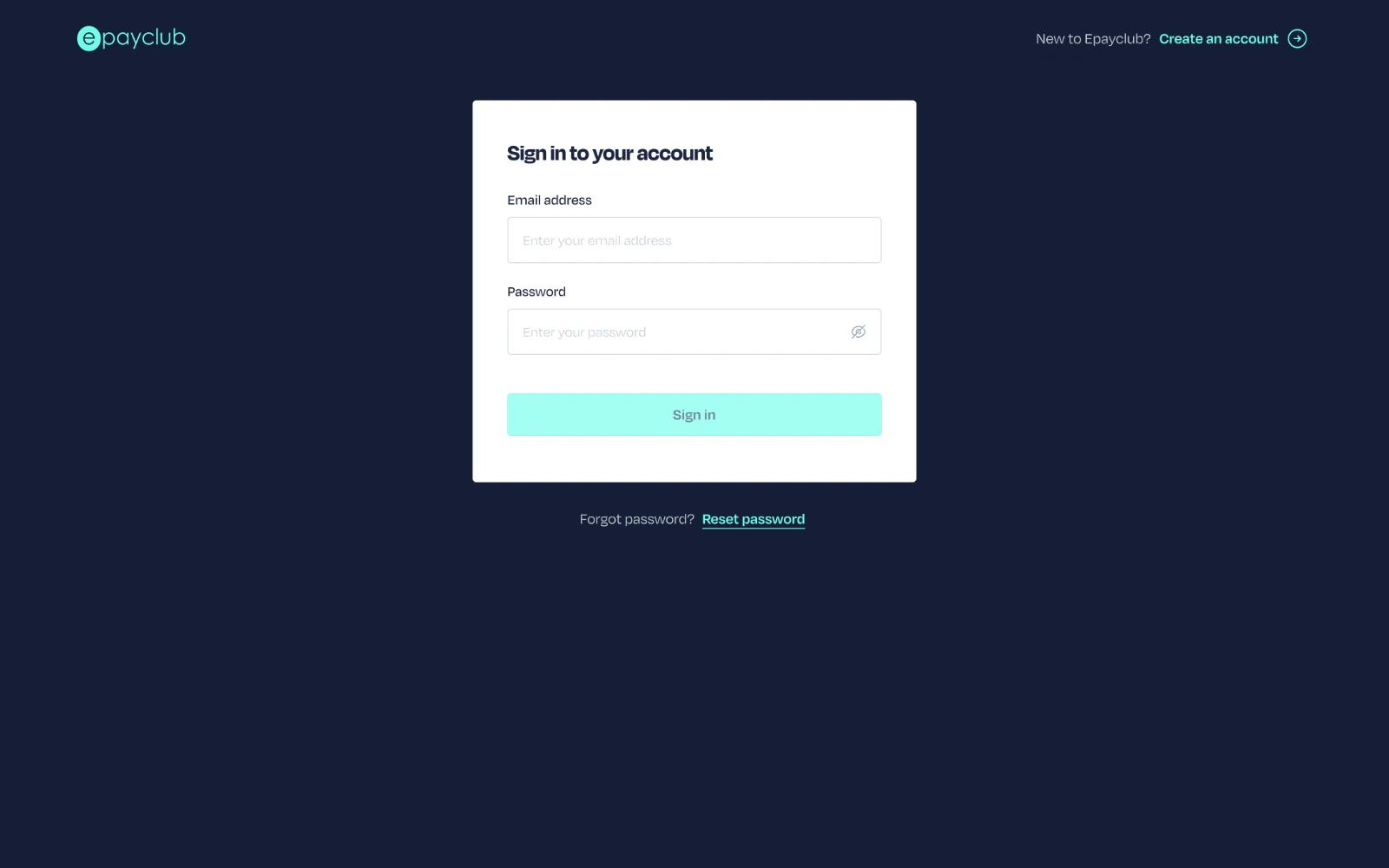
Log in to your EPayClub dashboard using your email and password.
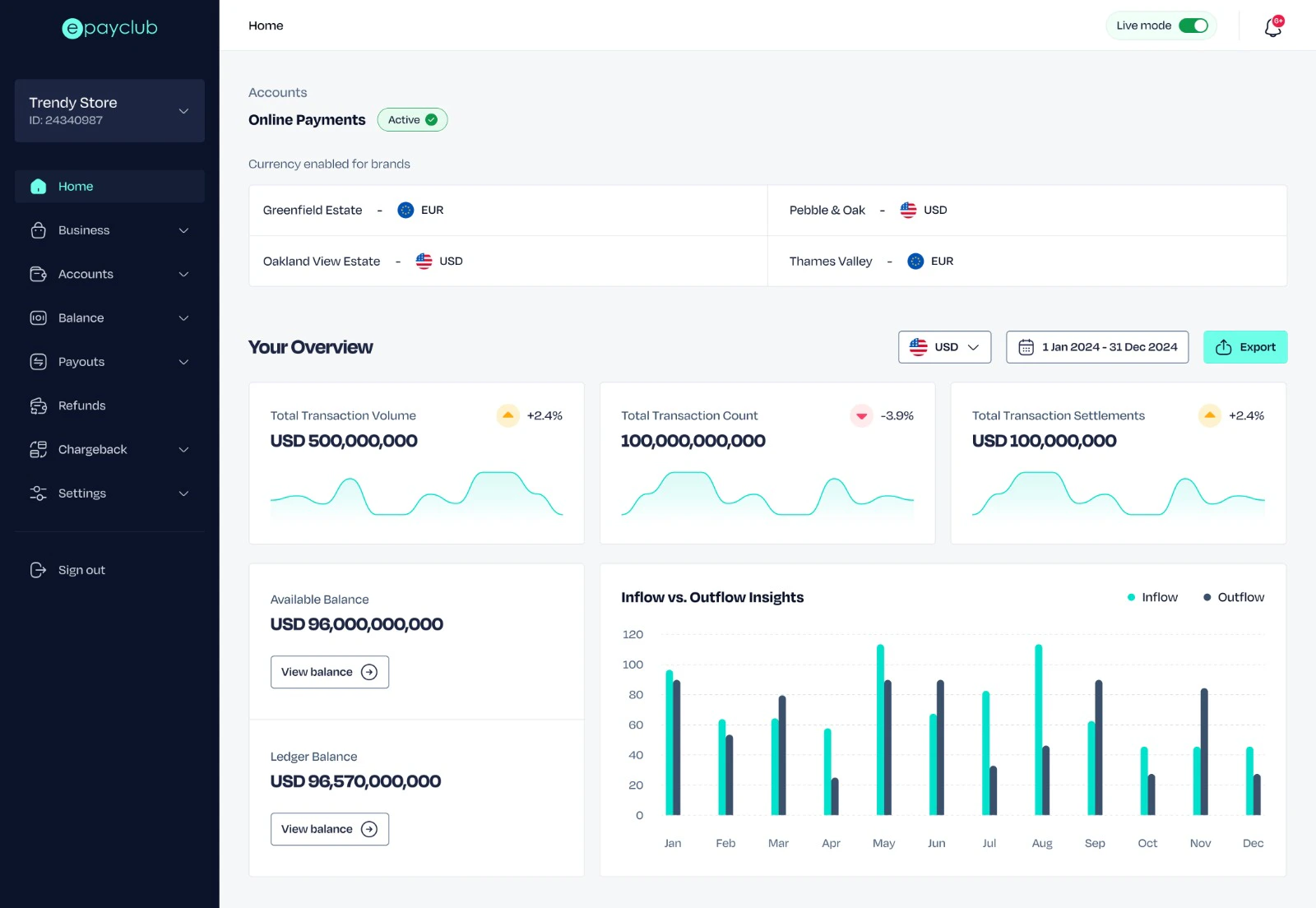
 Go to your account `Settings`. This option is the last menu item for ease of access.
 Select `API Keys and Webhooks` from the dropdown. This section allows you to manage API keys and webhook configurations.
Copy your API key from the list and add it to your project's configuration.
Select `API Keys and Webhooks` from the dropdown. This section allows you to manage API keys and webhook configurations.
Copy your API key from the list and add it to your project's configuration.
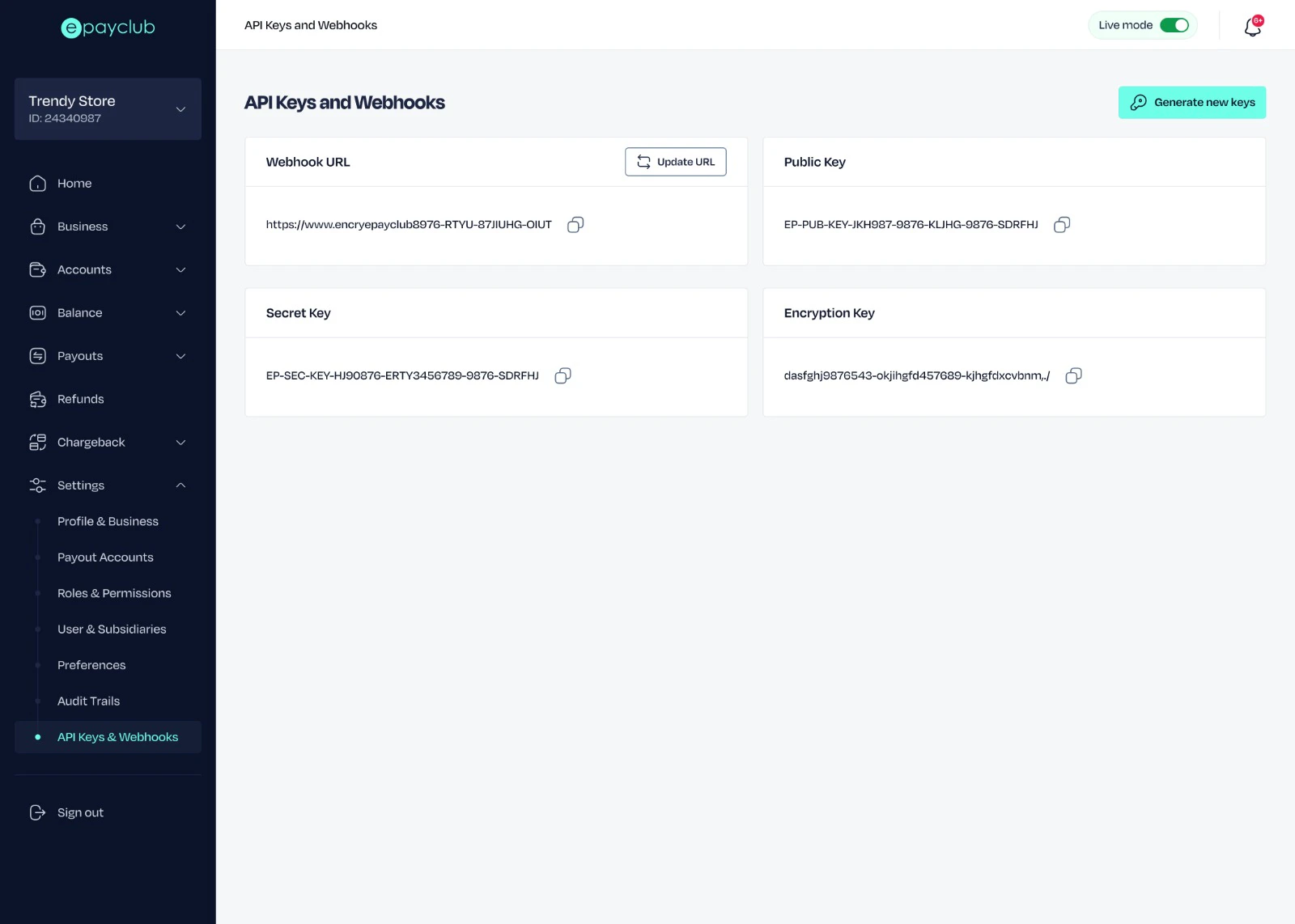 Store your keys securely using environment variables or a secret management tool. Never hardcode them in your source code.