

This payment method only supports one-time (non-recurring) payments.
Payment flow
Several steps occur between collecting the customer’s PayPal information and completing the charge.We’ll proceed assuming you’ve already set up a customer order. If you need to create one, you’ll find the steps here.
- Collect the customer’s PayPal information.
- Encrypt sensitive data within your request.
- Redirect the customer to the PayPal checkout page to authorize the charge.
- Confirm the payment and inform the customer of its outcome.
Collecting the Customer’s PayPal Information
Present the customer with a secure form to gather their card details. These details are crucial for initiating the transaction and consist of:
Combine the card data, order reference,
paymentoption, and the customer’s country. Encrypt the request before sending it to the pay order endpoint.
200 OK
Authorizing the Payment
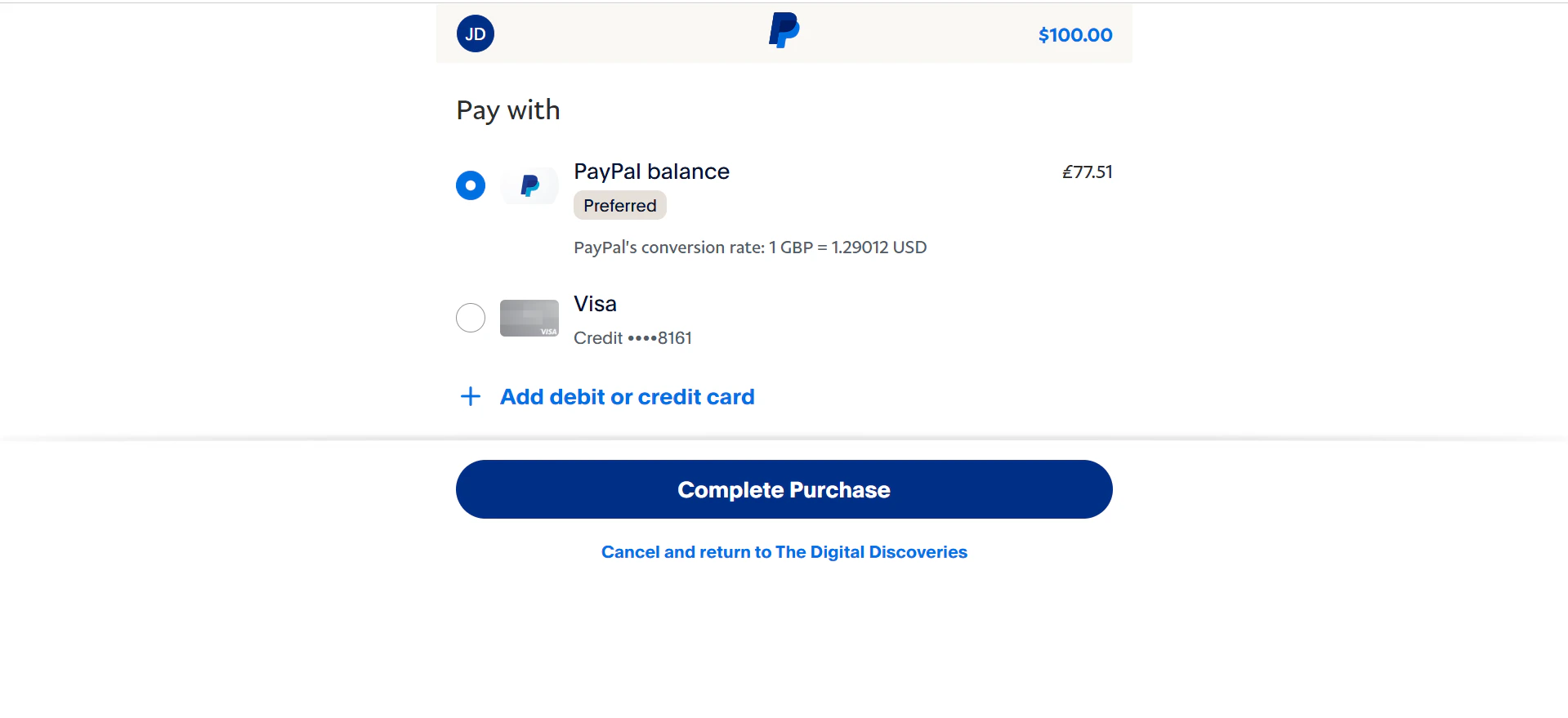
After redirecting the customer to the PayPal checkout page, they are presented with the login screen for their PayPal wallet.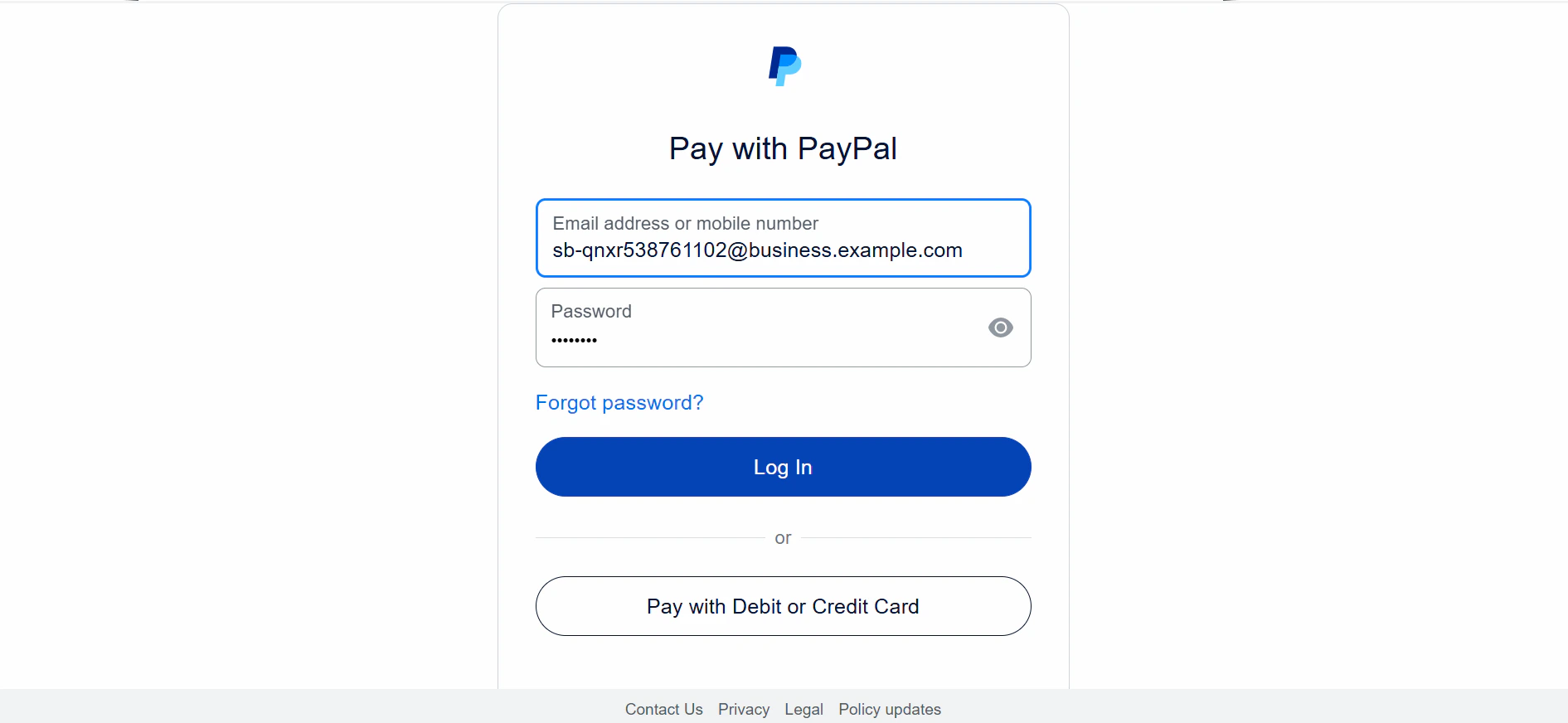
Verifying the Payment
Read the transaction verification section to learn how to verify your PayPal transactions.
Testing your integration
Follow these guidelines to successfully test your PayPal integration:- Specify a minimum of USD 100 for your test transaction.
- Use
0@k.comas the customer’s email in your tests.